
Denver Tech Center · 7600 E Orchard Rd
Fast charging for every EV — in the Denver Tech Center.
HiON's flagship station is at 7600 E Orchard Rd in Greenwood Village — on the national network known for reliability, with a built-in Magic Dock so CCS cars charge without an adapter. Here's exactly where it is.
Or open inApple MapsGoogle MapsWaze
Open to every EV
Tesla or not — every stall.
Magic Dock on site
CCS cars charge with no adapter.
24-hour access
Lit and open around the clock.
A real stop
Coffee and a restroom a short walk away.
Driving a non-Tesla?
How to charge here.
Most drivers of other brands still don't know the national network known for reliability is open to them. It is. 5 minutes in the Tesla app now, and your first charge here is pull up, plug in, walk away.
Get the Tesla app.
It's free, and it's the simplest, most proven way to start a charge in a non-Tesla. Download it now and create your Tesla account — 2 minutes at home, none at the stall.
Add your car and a payment card.
In the app, tap Charge Your EV, then add your vehicle's details and payment. The app shows each site's rate — taxes and fees included — before you ever plug in.
At the station, pick your post.
Every charging post is labeled at its base. Pull in so your charge port lines up with the cable, then select that post — 4A, say — in the app.
Plug in.
This site has a built-in Magic Dock, so a CCS car needs no adapter — it waits at the post. Follow the app's prompts to unlock it, plug in right away (you get about a minute), and charging starts. Tap Stop Charging when you're done.
Driving a Tesla?
Plug in. The session starts on your Tesla account, the way it does anywhere else on the network.
Car has a built-in NACS port?
Plug in directly — no adapter, no dock. Start with your car's app or Plug & Charge where supported; otherwise the Tesla app.
If your car doesn’t start the session on its own, start it in the Tesla app — the simplest, most proven charging flow there is. There’s no HiON app to download; you charge the way you already do.
These steps follow Tesla's own published guide for charging other EVs (Tesla app 4.30.5 or later). No membership is required to charge. Tesla offers an optional membership that can lower the per-kWh rate. See how your specific car charges.
What to expect
About 20–30 minutes, then back on the road.
Up to 325 kW on V4 hardware — some EVs reach that rate, most charge below it. Your car charges at the highest rate it supports — real speed depends on your vehicle, its battery state, and how busy the station is. A charge here is the break you were taking anyway, with coffee and a restroom a short walk from the stalls.
Every number attributed and historical — Tesla reported 99.9% network uptime. No uptime or speed guarantee.
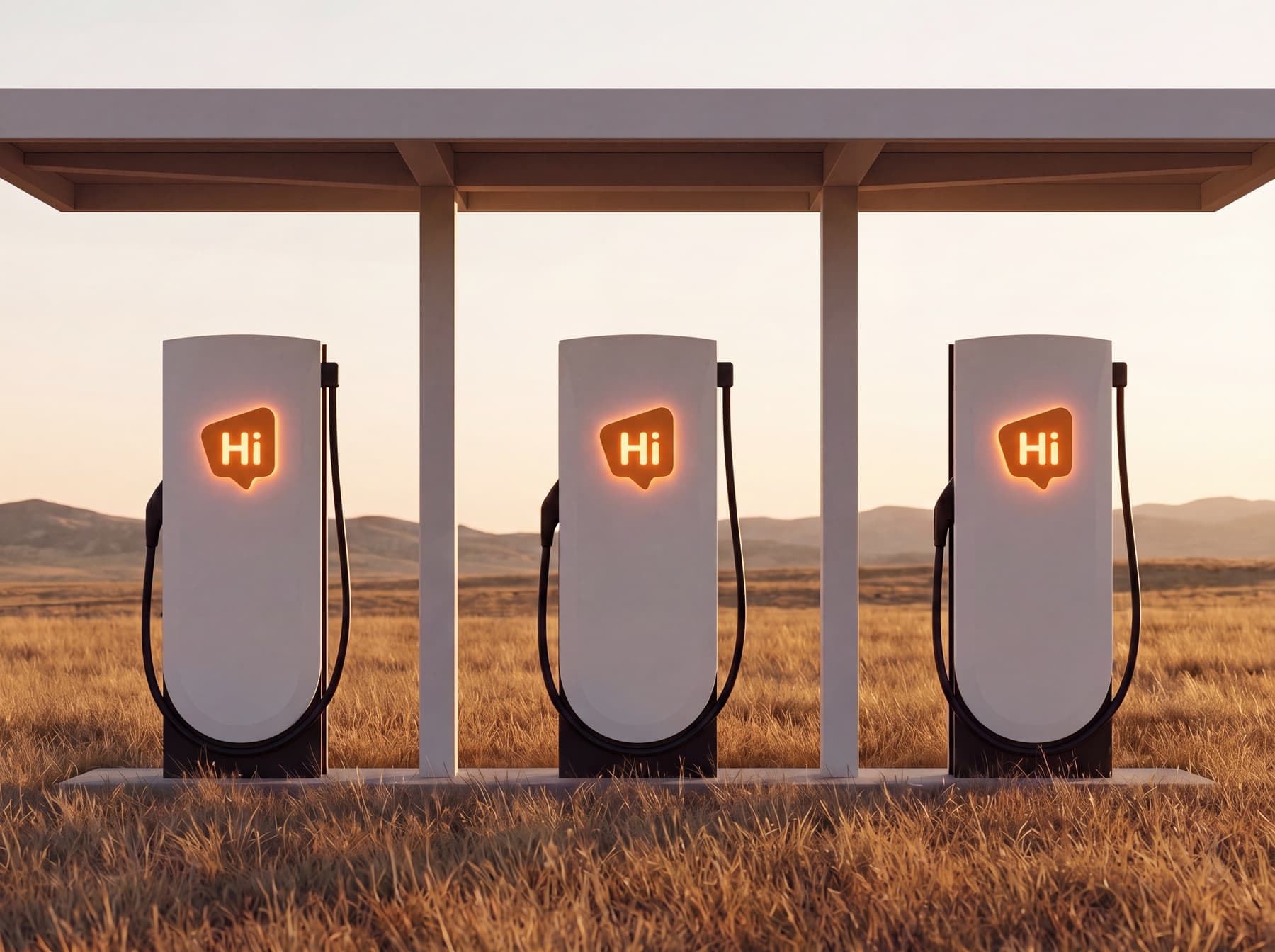
At the stall
Covered stalls, lit at night, laid out by HiON so the cable reaches your port — designed for the stop you were making anyway.
Quick answers.
Can any EV charge at the Denver Tech Center station?
Yes. Every stall is open to all EVs. Cars with a built-in NACS port plug in directly; CCS1 cars use the built-in Magic Dock, so there's no adapter to bring. Start the session in the Tesla app.
Is the Denver Tech Center station open?
Yes — it opened July 11, 2026. Open to every EV, 24 hours a day. Pull up, plug in, and start your session in the Tesla app.
How fast is it?
Up to 325 kW on V4 hardware. Your car charges at the highest rate it supports, so real speed depends on your vehicle, its battery state, and how busy the station is.
What will it cost?
Pricing is set and billed by Tesla through the app you use to charge. No membership is required; Tesla offers an optional membership that can lower the per-kWh rate. You'll see the current price in the app before you start.
How many stalls does it have?
Four, including one ADA-accessible stall. See live availability in the Tesla app before you go.
Is it open at night?
Yes — it's open 24 hours, with the stalls lit at night.
See exactly where it is.
HiON — Denver Tech Center
7600 E Orchard Rd